How to share video clips in newsletters
Text, images and even animated GIFs work fine to send directly in the newsletter. But if you want to share video clips, it is not as easy. That is because for the vast majority of recipients, it is not possible to play videos in their email clients. And the whole point is that the recipient should be able to watch the video, right? Writing about the video and linking to it in the body text is not very clear or eye-catching, and probably few will click. Fortunately, there is a simple solution. If you want to work more with moving content in your mailings, a good newsletter tool is important. With Paloma's newsletter module you can create clear mailings, add image links to videos and follow clicks in the statistics.
The simple trick: create an image link to the video
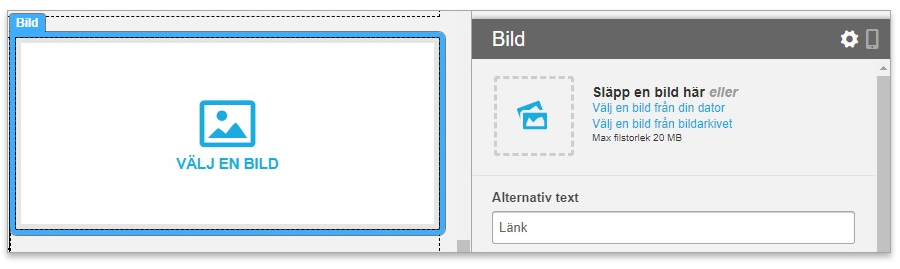
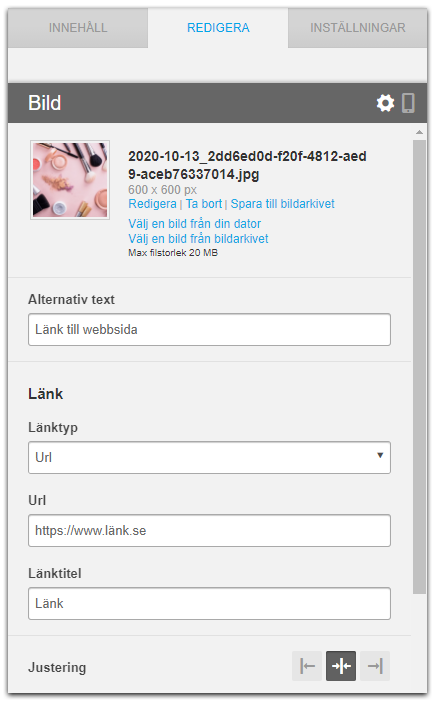
Publish the video on the web if you have not already done so, for example on your own website or YouTube channel. When you create the newsletter, you create an image link that leads directly to the URL, the web address, where the video clip is ready to play.
Still image with a play button
One tip is to choose a still image from the video and paste a play button in the middle of the image you want to use as the video link in the newsletter. You can easily do that with the free service Add Play Button to Image.