
Newsletter templates, 20 free templates you can use right away
Newsletter templates are ready-made designs that you fill with your own content. You swap the logo, headings, images and links, while the layout, mobile adaptation and footer are already in place.
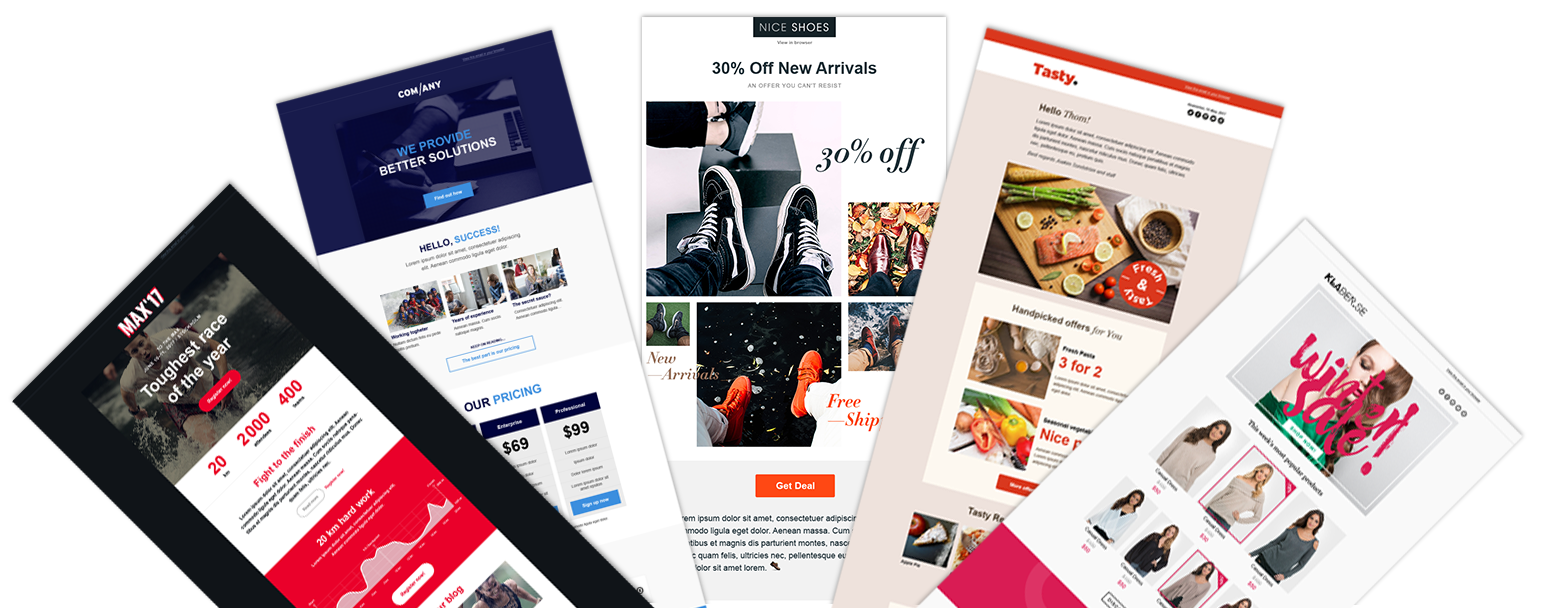
Paloma has 20 templates sorted by type of organization: association, public sector, business, campaign and e-commerce. They are all included in the free account, and you open them directly in the tool without installing anything. If you want to know more about the platform behind them, read about our newsletter tool.
All newsletter templates
The templates are grouped by the type of organization they are built for. Click a template and it opens in your account, where you replace the text and images with your own.
Starter templates for beginners
3 templatesThe three simplest templates, built to give you a finished email in a few minutes. Start here if it is your first time sending.
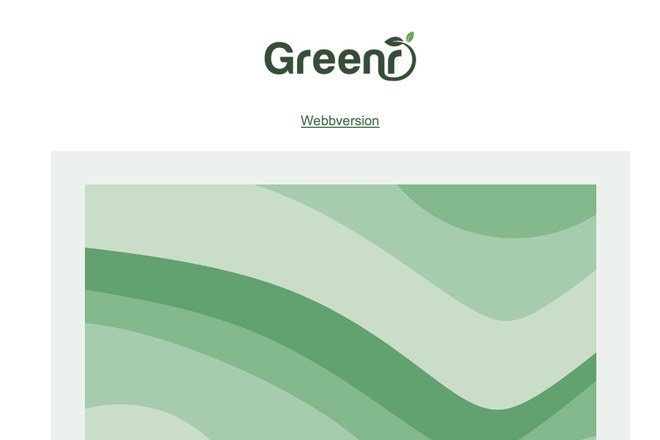 Simple newsletter An image, a heading and a button. The fastest route to a finished email. Open the template
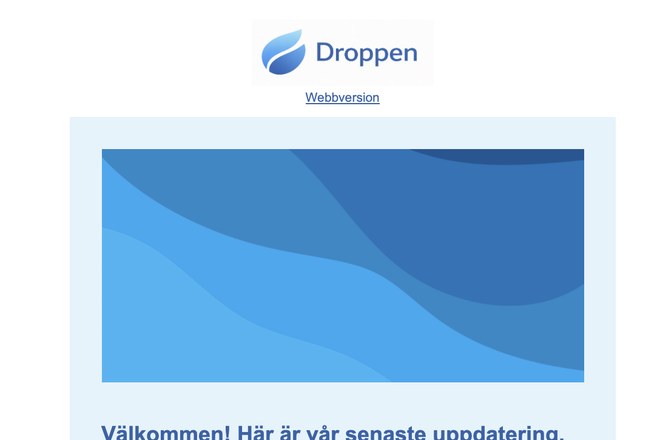 Image and text A teaser at the top and two short news items below. Good when you have several pieces of news to highlight. Open the template
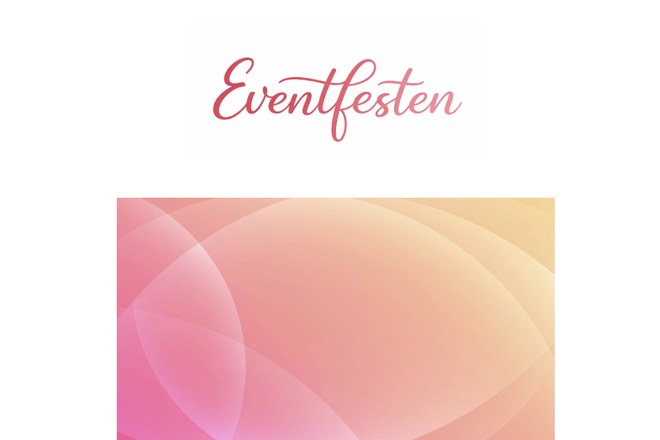 Event invitation An invitation with a clear reply button high up, linked to the registrations. Open the template
Templates for municipalities and authorities
3 templatesFactual layouts with a clear reading order and good contrast, built for information that has to reach everyone. Read more about the requirements in our guide to public sector newsletters.
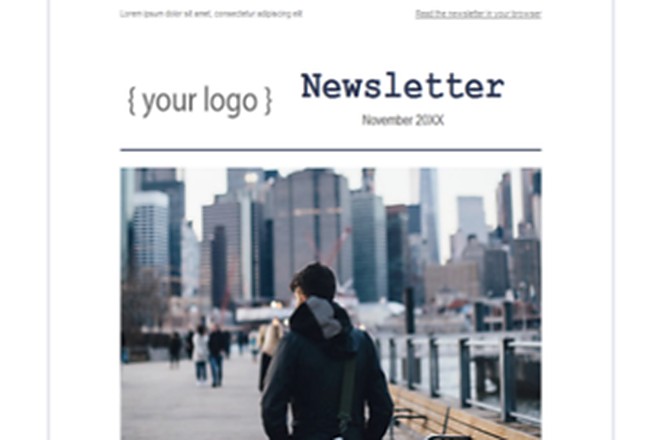 Municipal news A wide news layout with several news items. Built for recurring emails to residents. Open the template
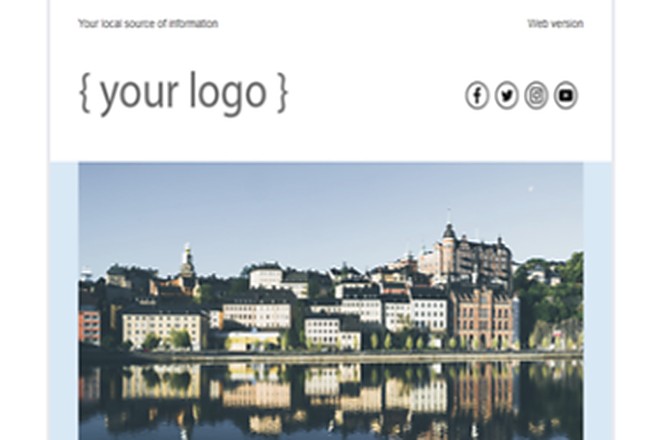 Information for residents Simple and stripped back. Built for information that should not compete with images. Open the template
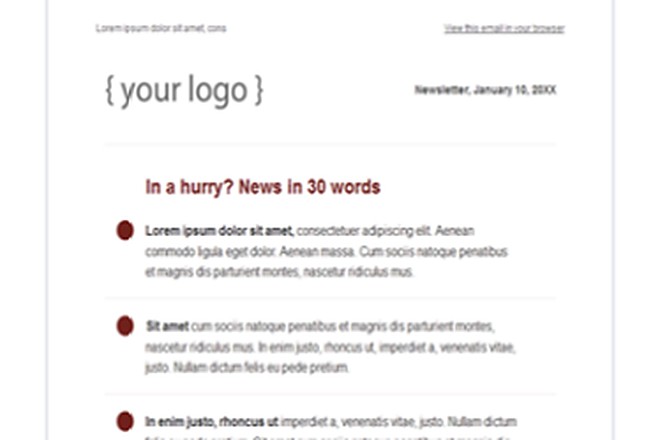 News from the organization A summary at the top and bullet points below. The recipient sees right away what is new. Open the template
Templates for associations and clubs
4 templatesMember newsletters, season information and invitations. If you need help with the setup, there is a separate guide on member emails in associations.
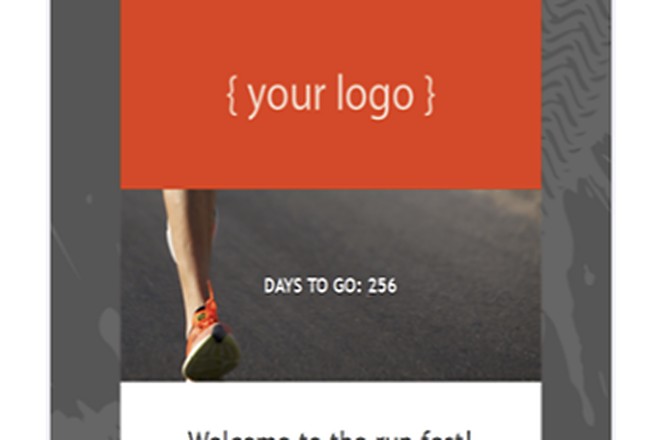 News from the association A member newsletter with room for a countdown, a heading and an introduction. Open the template
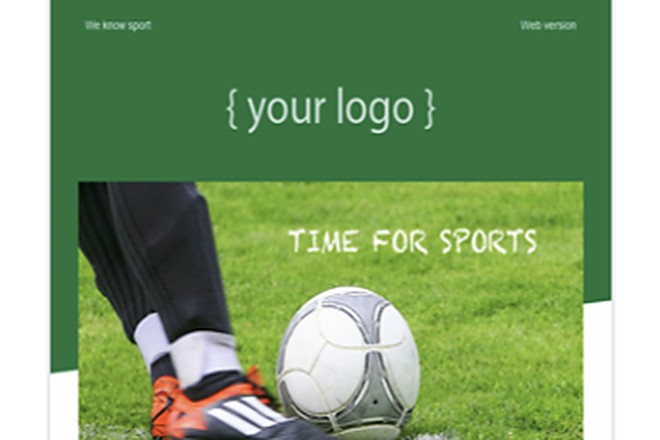 Matches and training Built for times, call-ups and ongoing season information. Open the template
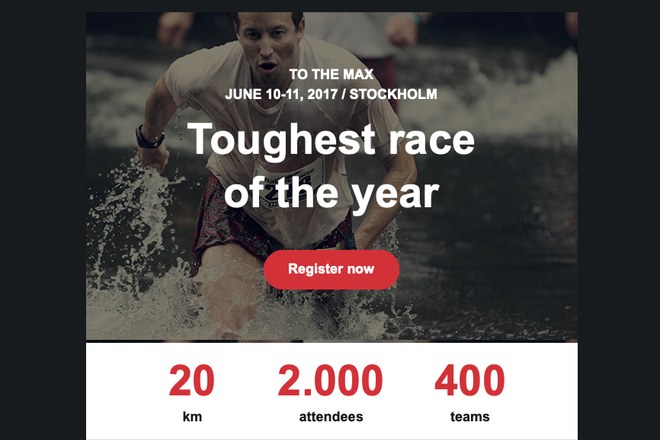 Invitation to cups and events A dark, clear invitation with a reply button right at the top. Open the template
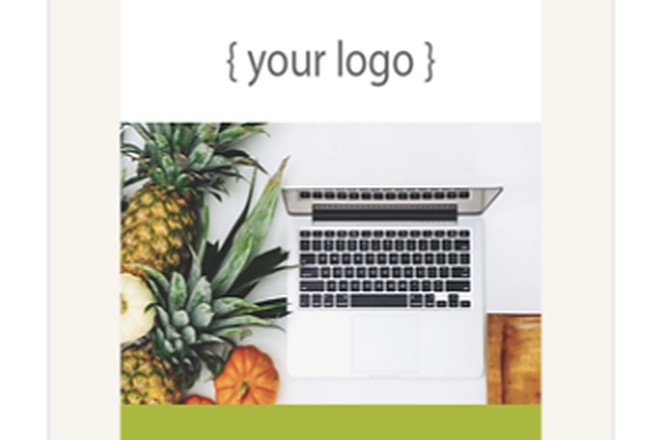 Member email Ongoing information to the members with one clear main point. Open the template
Templates for business emails
3 templatesUpdates, product news and invitations to customers and contacts. The webinar template connects to your event platform so that the registrations end up in the right place, and the same templates work for internal emails, see the guide on staff newsletters and internal communication.
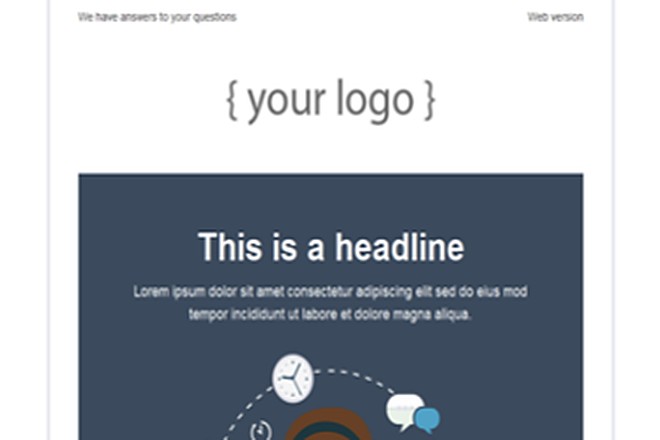 Company update A heading, body text and a button. The most common kind of customer email. Open the template
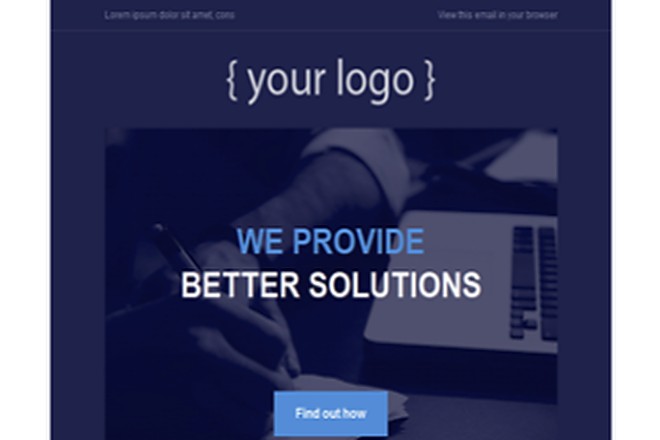 Product news Highlights one piece of news at a time with an image, a short text and a read more button. Open the template
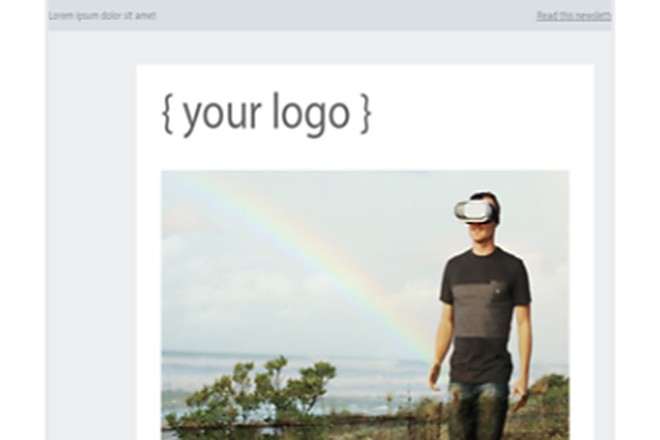 Webinar invitation The date, a short agenda and a reply button that collects the registrations. Open the template
Templates for campaigns and offers
4 templatesShort emails with one message and a clear next step. The fewer things the template shows, the more people click on what you actually want to highlight.
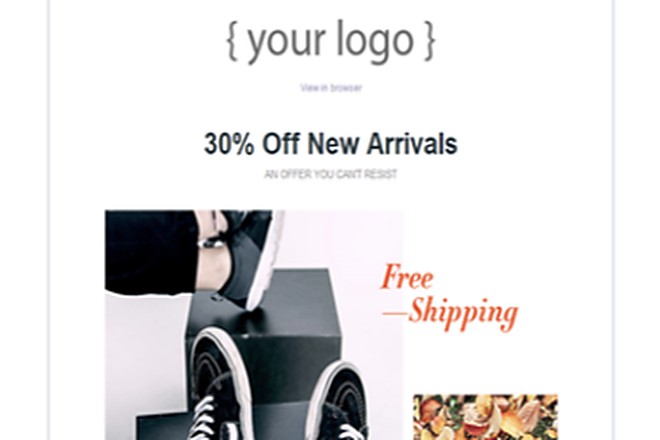 Limited-time offer One offer, one button and a minimum of distraction around it. Open the template
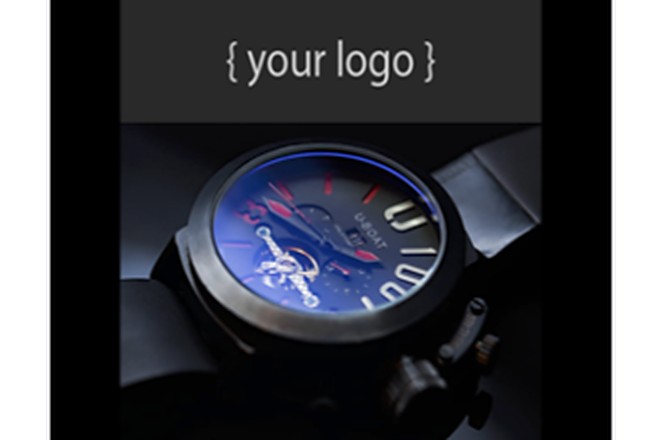 Launch A dark top image for a single product or service that should get all the attention. Open the template
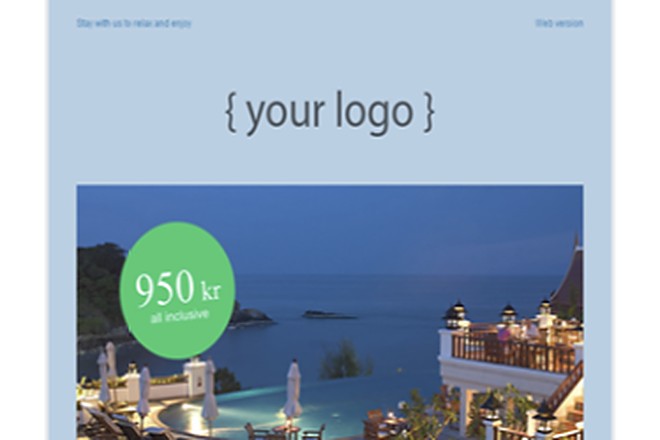 Special offer The price placed right over the image. Good when the number is the whole message. Open the template
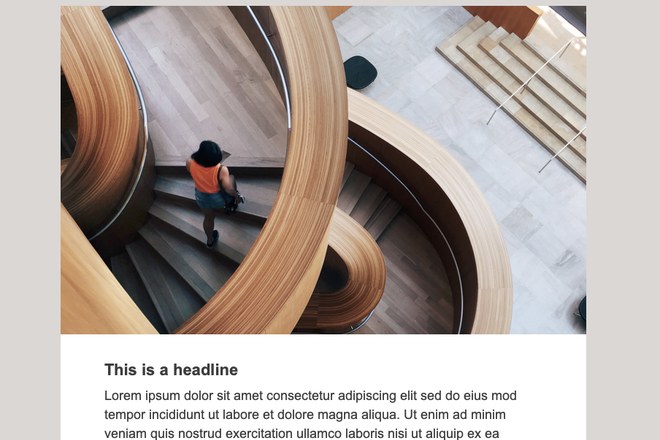 Customer letter A softer tone for recurring customer communication that should build a relationship. Open the template
Templates for e-commerce
3 templatesProduct boxes in rows, with room for price and image. Feel free to combine them with segmentation so that different customer groups get different selections in the same base template.
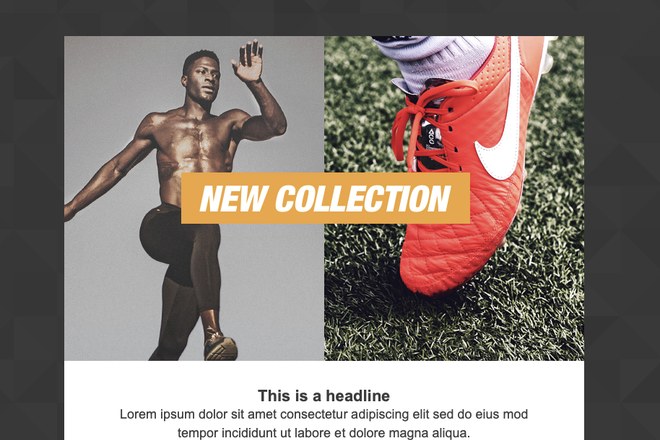
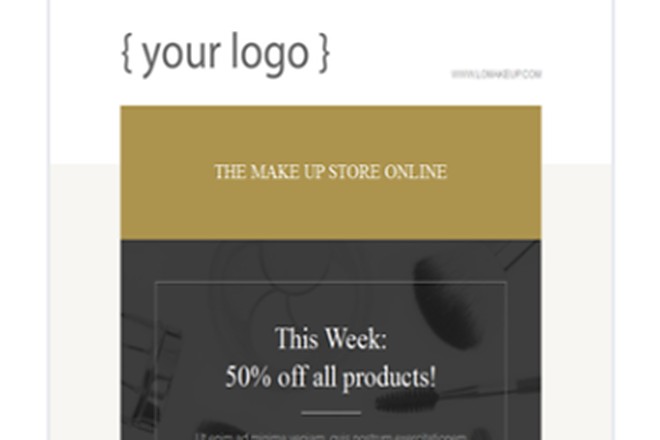
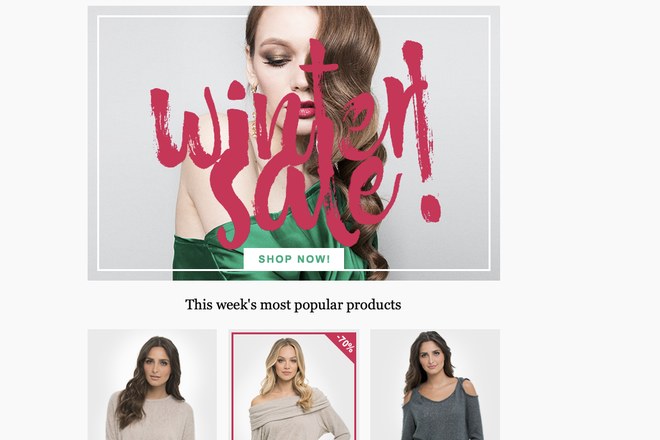
All 20 are included in the free account. Create an account and open the templates
Design template or layout template
In Paloma you start either from a finished design or from an empty grid. The difference decides how much you need to build yourself.
Design template
A design template is a finished newsletter with colors, images, headings and buttons in place. You replace the content with your own and send.
Choose this one when you want something that looks finished right away.
Layout template
A layout template is an empty grid that only decides where the blocks go. No design comes with it; you fill it with your own brand identity.
Choose this one when you have a finished brand identity and want to control the structure yourself.
How to choose the right template
Start with the purpose, not the design. Ask what the recipient should understand, feel or do when they open the email. A template that works for inspiration rarely suits a campaign, and vice versa.
If you want to inform, a content-driven template with several blocks works best. If you want to sell, a shorter template with one clear next step works best. If you are sending an invitation, the reply button needs to be high up, before the recipient has time to scroll past. And if the email goes to several different groups, it is often better to use the same base template with different content than to build separate templates.
One last piece of advice: choose a template you will want to reuse. The value of a template library only shows when the same base is used again and again, because that is when you start to see which structures actually get clicks. Read more in our guide to better newsletters.
What a good template should include
Six parts recur in almost every newsletter that works.
- A clear sender and logo
- A heading and a short introduction
- An airy layout with clear sections
- Blocks for text, images and links
- One clear next step, not five
- A footer with contact details and an unsubscribe link
The footer is not a formality. The unsubscribe link is a requirement under the GDPR and also affects your deliverability, because recipients who cannot find it mark the email as spam instead. More on that in the guide on newsletters and GDPR.
Get started in five minutes
Choose a template
Open Brev och mallar (letters and templates), click Skapa brev (create letter) and choose a design template from the category that matches your organization.
Replace the content
Upload your logo, change the colors to match your brand and replace the text and images. No coding needed.
Test and send
Send a test email to yourself, check it on your phone and then send it to your list.
If you need help with your first list and the email itself, step by step, there is a separate guide on how to create a newsletter.
How to write the text in the template
The template decides the form, but the text decides whether anyone clicks. A good newsletter template should help the text be easy to scan, not compete with it. So write shorter paragraphs than you do on the web, put the most important thing first and stick to one main message per section.
Also think about what role the text has. In a member newsletter it should inform; in a campaign email it should get the recipient to act within a few seconds. When the text and the structure pull in the same direction, the email becomes both easier to read and easier to act on.
Two things affect the result more than the rest: the subject line, which decides whether the email is opened at all, and the content, which decides whether it is read. We have separate guides on subject lines that get more opens and on what to write in the newsletter.
Accessibility in templates
A template should work for as many people as possible, regardless of screen size, assistive technology or reading habits. That makes the content clearer for all recipients, and for public organizations it is also a requirement.
Four things make the biggest difference: a clear heading structure that can be navigated with a screen reader, descriptive alt texts where the image carries information, readable contrast between text and background, and never conveying the message through color alone. If you think about accessibility when the template is built, you avoid correcting the same thing in every email. There is more in the guide on accessible newsletters.
Common mistakes
Most newsletters lose impact not because the content is bad, but because the template makes the message hard to take in. Four mistakes recur: too much text in the same block, too many images competing for attention, an unclear next step or several different next steps at once, and a layout that falls apart on mobile.
The biggest mistake, though, is trying to fit everything into one and the same email. A good template helps you prioritize. Highlight fewer things clearly instead of showing everything at once, and save the rest for the next email. You will find more concrete advice among our newsletter tips.
Would you rather we built it for you?
Do you have a brand identity that has to be exactly right, or a setup that none of the standard templates covers? Then we build the template for you and add it to your account, ready to use again and again.

"Feels close, we like that."
Monica JohnsonRolf Ericson Bil
"Works really well"
Elisabeth EgnellSvenska Skidförbundet
"We are very satisfied"
Malin CronerDalarna BusinessRead more
Subject lines that get more opens
What decides whether the email is opened at all.
Welcome emails
The first email sets the tone for the whole relationship.
Email marketing
The strategy around your emails, gathered in one place.
Segmentation
The same template, different content for different groups.
Deliverability
How the email lands in the inbox and not in the spam folder.
Frequently asked questions
What is a newsletter template?
A newsletter template is a ready-made structure for email sends. The layout, mobile adaptation, buttons and footer are already in place, and you only replace the logo, text and images with your own content.
Are the templates free?
Yes. All 20 templates are included in the free account. No credit card details are required and there is no lock-in period, and the account includes up to 250 emails a month, up to 80 event participants on one active event and five SMS.
What is the difference between a design template and a layout template?
A design template is a finished newsletter with colors, images and buttons in place, where you replace the content. A layout template is an empty grid that only decides where the blocks go, without any design. Choose a design template if you want something that looks finished right away, and a layout template if you have your own brand identity to build in.
Are there templates for associations and public organizations?
Yes. The template library has its own category for municipalities and authorities with three templates, and one for associations and clubs with four. In addition, there are categories for business emails, campaigns and e-commerce.
Can I use my own brand identity?
Yes. You change the colors, fonts, logo and images in any template. If you have a brand identity that has to be exactly right, you can also start from a layout template and build the design yourself, or order a finished template from us.
Do I need to know how to code?
No. You build and customize the templates by dragging and dropping blocks. No HTML is needed to send a finished email.
Can I save my own templates?
Yes. Once you have customized a template, you can save it as your own template and reuse it. You can also share templates with colleagues, so that everyone in the organization starts from the same base.
Do the templates work on mobile?
Yes, all templates adapt to the screen width. Still, always send a test email to yourself and check it on your phone before you send to the whole list.
Can I have different templates for different types of emails?
Yes, and it is usually an advantage. Many use one template for the recurring newsletter, one for campaigns, one for invitations and one for automated emails. That way each email is better suited to its purpose, while the overall look stays consistent.
Open all 20 templates in a free account
You choose a template, replace the content and send your first email the same day. If you would rather see the tool first, we will book a walkthrough instead.
Create a free accountPaloma is a Swedish platform for newsletters, SMS messages, events and marketing automation. The newsletter templates are included in every account, even the free one, and are used today by 1,500 businesses, associations and organizations. All data is stored on servers within the EU, and you get personal support.